Start with the job your catalog needs to do
A home-library catalog is useful only if it answers questions you actually ask. Perhaps you want to know whether you already own a book before buying another copy. Perhaps you need to find a title on crowded shelves, remember which books you have lent out, or help children choose their next read. Those are different jobs, and they do not all require the same tool.
Before cataloging anything, write down your two or three most common questions. Then decide how much time you are willing to spend adding new books. If entering a book feels like a chore you will postpone indefinitely, a simpler system will serve you better than one with dozens of fields. You can always add detail later.
Paper: visible, flexible and pleasantly low-tech
A notebook, card file or binder works well for a modest collection, especially if you enjoy writing by hand. You might give each book a line for title, author and shelf location, with a small mark for books on loan. Paper is easy to open while standing by the shelves and does not depend on a device or account.
Its limits become clearer when you need to sort or search. An alphabetical list by author will not automatically show every book on a particular shelf or every title in a series. Corrections can get messy, and a lost notebook is hard to reconstruct. If paper appeals to you, leave space for additions and choose one filing rule you can follow consistently. Keeping a photograph or copy of the pages provides a basic backup.
Spreadsheet: a practical middle ground
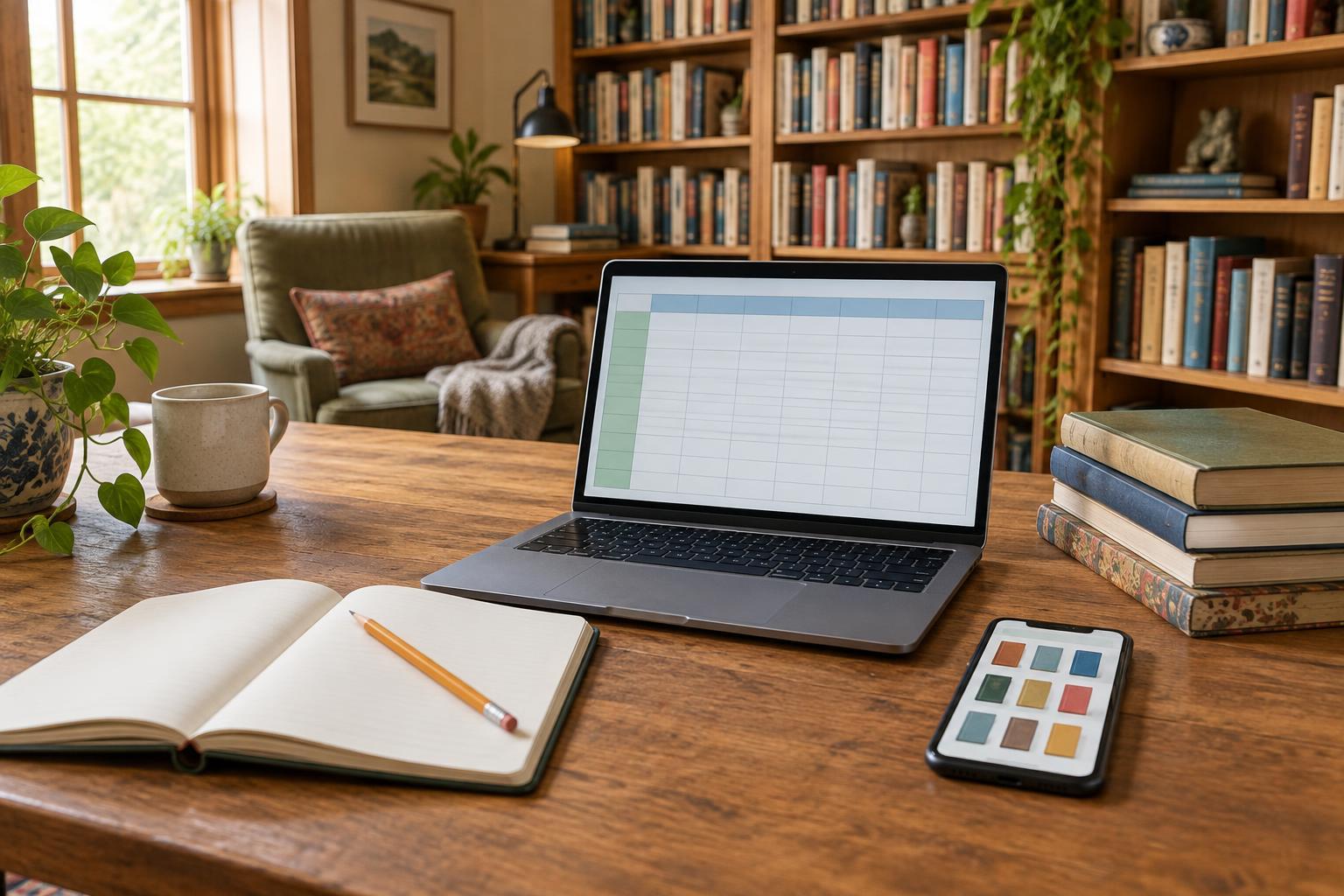
A spreadsheet suits readers who want to search and sort without learning a dedicated cataloging system. Begin with a small set of columns: title, author, shelf location and status, such as “on shelf” or “lent out.” Add a loan note if you need one. Later, you can add format or series, but every extra field creates another decision when a new book arrives.
Consistency matters more than elaborate formatting. If one shelf is called “living room” in some rows and “front room” in others, filtering by location becomes less helpful. A short list of shelf names can prevent that problem. Save a backup copy somewhere separate from the file you edit, and occasionally check that you can open it. A spreadsheet can also be printed if someone in the household prefers browsing on paper.
App: convenient features, with a few questions to ask
A book-catalog app may make entry quicker through scanning or title lookup, and some apps offer cover images, tags or loan tracking. Those features can be appealing for a large collection or for people who like browsing a visual list. Check what the app actually records, though: an automatically found edition may not match the copy on your shelf. You can correct important details rather than treating every suggested entry as exact.
Before committing, consider whether you can export your list in a usable format, whether it works when you need it, and who can see any information you enter. Features, costs and account requirements may change, so a method that lets you keep a copy of your data offers flexibility. If several people use the catalog, make sure they can all manage the basic task of adding a book.
Run a small test before cataloging every shelf
Try your preferred method with 20 varied books: a series, two books with similar titles, a borrowed book, a book you often misplace and a few from different rooms. Add them, then test your original questions. Can you tell whether you own a title? Can you locate it? Can you record a loan in seconds? If not, adjust the fields or try a different tool before investing more time.
You do not have to catalog everything in one weekend. Start with one shelf or enter books as you handle them. Give each book a consistent location, even if that location is simply “bedroom shelf,” and make adding a new arrival part of putting it away. The best home-library catalog is not the most complete-looking one; it is the one your household can use to find a book and get back to reading.